
VAR Members – Complimentary Access to FOREWARN
As a VAR member, you receive FREE access to FOREWARN! FOREWARN brings intelligence to the real estate industry through innovative solutions to help ensure safer engagements and smarter interactions.
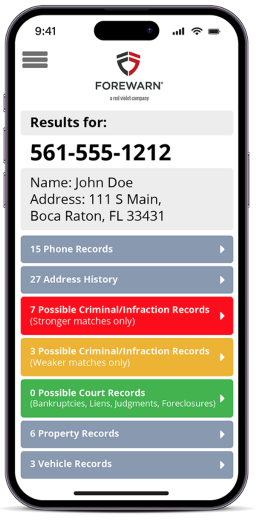
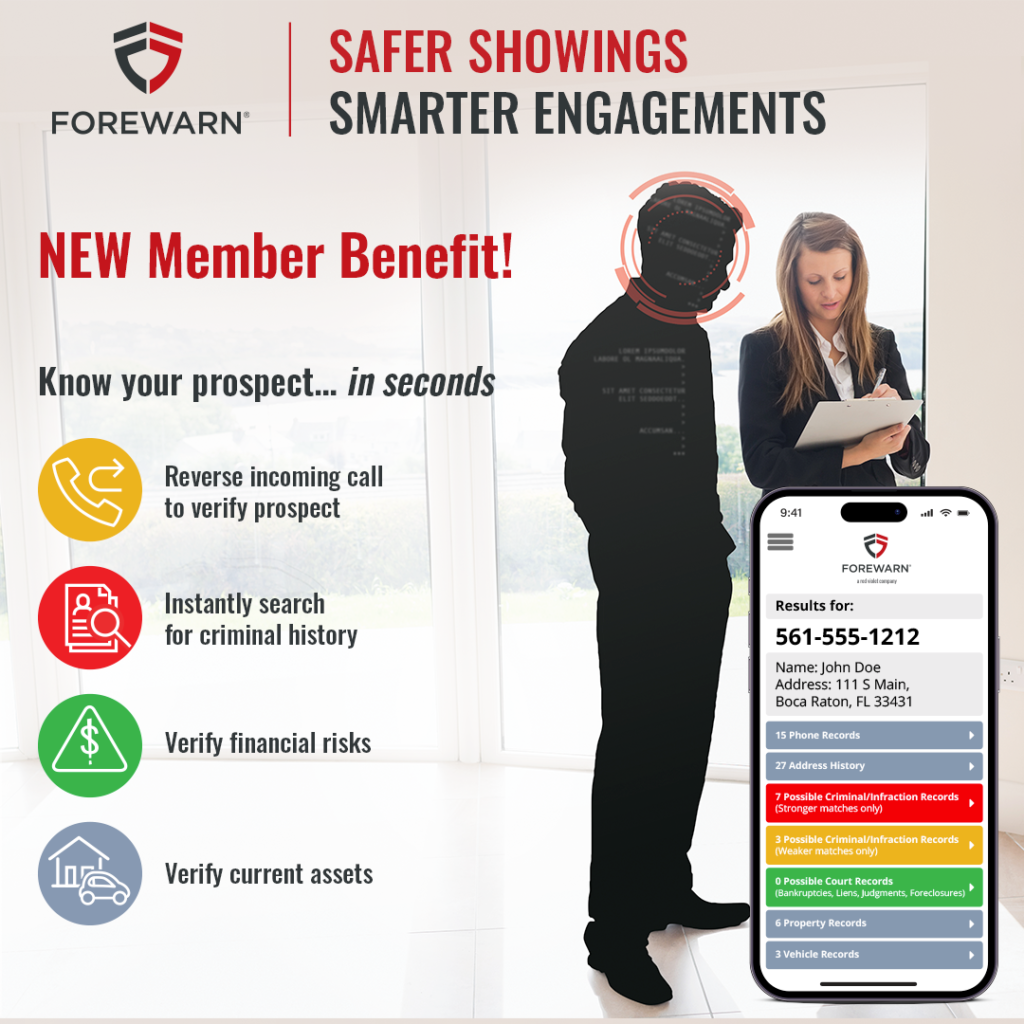
The FOREWARN application gives an agent the ability to gain instant insight on a prospective client (within seconds, without exposing any protected class information) using only a phone number! Don’t have a phone number… you can also search by name.
Instantly verify:
- Identity (first name, last name, alias, and age)
- Phone numbers (residential and mobile history)
- Address history (rental, ownership, and associated addresses)
- Financial indicators (bankruptcy, lien, judgement, and foreclosure history)
- Property records (nationwide property ownership history)
- Criminal records (nationwide criminal history search)
- Verifying your prospects in FOREWARN is not only critical for your personal safety and efficiency, but also a benefit to your listing homeowners, providing an added layer of protection for their homes and families.
Setting Up Your Complimentary FOREWARN Account
As a VAR member, setting up your complimentary FOREWARN account is quick and easy!
- Click here and enter your email address when prompted to do so (be sure to use the same email address that this email was sent to as it will serve as your FOREWARN ‘Username’).
- You will receive an activation email from FOREWARN, open it and click the link as instructed. If you do not see the email, be sure to check your junk/spam folder.
- If you do not see the email after checking your junk of spam folder, this may be due to the fact that your account could not be setup as FOREWARN does not have your cell phone number. Please contact FOREWARN Support at 561.757.4551 to provide them with your cell phone number.
- You will be prompted to enter an authentication code that will have just been texted, or optionally read to you via automated call, to your phone number on file. Upon completion you will be prompted to create a password.
- If you are not receiving the text/call authentication code, FOREWARN may have the wrong phone number on file. Please contact FOREWARN Support at 561.757.4551 to update them with your correct cell phone number.
- Now you are ready to download the FOREWARN app by clicking on the appropriate link below from your mobile device, or searching for FOREWARN in the app store (see links on right)
- After activating your account, you can also log into your FOREWARN account from any web browser via the FOREWARN.com homepage (click ‘Sign In’ at top-right) or via this link: https://app.forewarn.com/
WATCH: Video intro & tutorial on FOREWARN
FOREWARN Customer Support
If you experience any difficulty setting up your password or logging into FOREWARN, please reach out to FOREWARN support at 561-757-4551 or support@forewarn.com (Monday – Friday; 9AM-5PM ET).